
Guardian of the Gear: How to Protect Your Epic Cosplay Collection from Unexpected Home Damage
Guardian of the Gear: How to Protect Your Epic Cosplay Collection from Unexpected Home Damage
Every cosplayer knows the feeling of finishing a project that has taken months of blood, sweat, and hot glue. Whether it is a screen-accurate suit of Mandalorian armor or a hand-stitched ballgown from a classic anime, these creations are more than just costumes; they are investments of time, money, and passion. However, many makers forget that the greatest threat to their collection isn’t a crowded convention floor or a spilled drink at a party. The real danger often lurks right inside your own home in the form of environmental hazards and structural failures. To keep your hard work safe, you need a solid defense strategy for your storage space, which starts with ensuring your home is structurally sound by consulting experts like The Roof Technician to prevent leaks before they start. In this guide, we will explore how to shield your epic gear from the elements and keep your “cos-closet” in pristine condition.
Protecting a collection requires a mix of organization, climate control, and home maintenance. We often focus on the latest wig-styling techniques or how to weather foam to look like rusted metal, but we rarely talk about the chemistry of decay that happens when a costume sits in a damp basement or a sun-drenched spare room. From UV rays that bleach vibrant dyes to humidity that turns expensive EVA foam into a breeding ground for mold, the environment is constantly working against you. By taking a proactive approach to home care, you can ensure that your Master Chief helmet or your magical girl wand stays ready for the camera for years to come.
As we dive into the specifics of cosplay preservation, remember that your home is the primary “armor” for your collection. If that armor has a crack, everything inside is at risk. We will look at how to manage light, air quality, and the physical structure of your storage area to create a sanctuary for your geeky treasures. Let’s break down the essential steps to becoming a true guardian of your gear.
The Silent Threat: Managing Humidity and Moisture
Moisture is perhaps the single most destructive force when it comes to cosplay materials. Most costumes rely on a variety of adhesives, paints, and organic fibers that react poorly to high humidity. When the air in your home becomes too saturated with water, it can cause fabrics to sag, metal pieces to rust, and wood props to warp. Even worse, moisture trapped in a dark closet is the perfect recipe for mold and mildew. Once mold takes hold of a porous material like fabric or open-cell foam, it is incredibly difficult to remove without destroying the item, often leaving behind permanent stains and a musty smell that no amount of fabric freshener can fix.
To combat this, you should invest in a high-quality hygrometer to monitor the humidity levels in your storage room. Ideally, you want to keep the relative humidity between 30% and 50%. If you live in a particularly damp climate or keep your collection in a basement, a dehumidifier is a non-negotiable piece of equipment. It pulls excess water from the air, creating a stable environment for your gear. Additionally, never store your costumes in airtight plastic bags if there is any chance of moisture being trapped inside. Instead, use breathable garment bags made of cotton or non-woven fabric, which allow air to circulate while still providing a barrier against dust.
Another tip for moisture management is to use silica gel packets in your storage bins. You know those little “do not eat” packets that come in shoe boxes? You can buy them in bulk online. Tossing a few of these into your prop bins or wig boxes helps soak up any stray moisture that might find its way inside. For larger armor pieces made of EVA foam, ensure they are completely dry after a convention before putting them away. Sweat is salty and acidic, and if you seal a sweaty chest plate into a bin, you are essentially creating a petri dish for bacteria and rot.
Sunlight and UV Protection: Keeping Colors Vibrant
We all love a well-lit craft room, but natural sunlight is a secret enemy of fashion and cosplay. Ultraviolet (UV) rays are incredibly powerful and can break down the chemical bonds in fabric dyes and plastic polymers. This process, known as photodegradation, leads to fading and brittleness. A vibrant red cape can turn a dull, dusty pink in just a few months if it is left hanging near a window. Beyond just the color, UV exposure can make materials like Worbla or 3D-printed resins become brittle and prone to cracking, effectively ending the life of your prop.
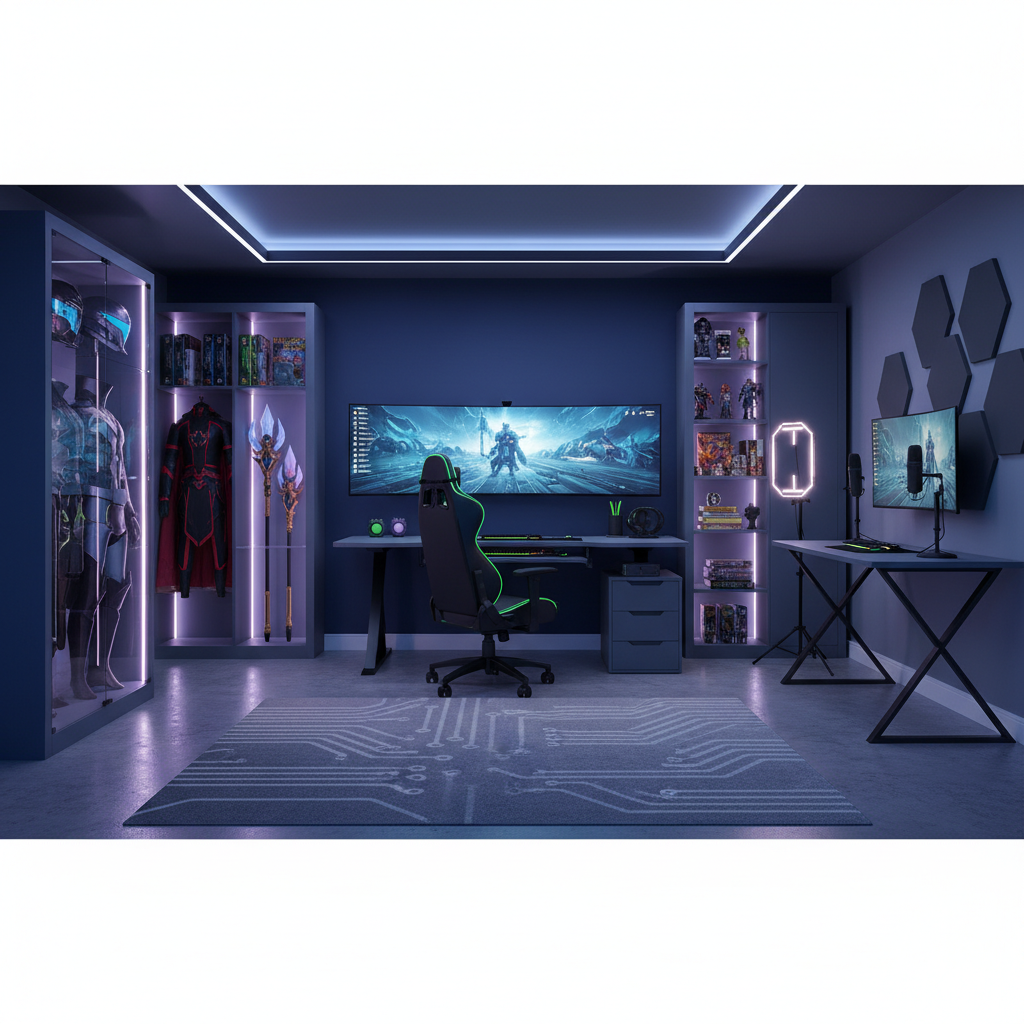
The easiest way to prevent sun damage is to store your collection in a room without windows, or to use blackout curtains. If you want to display your work, consider using UV-filtering film on your windows. This clear film is easy to apply and blocks the vast majority of harmful rays while still letting in visible light. For high-end pieces that you want to showcase in a glass cabinet, look for acrylic or glass that specifically mentions UV protection. It might cost a bit more upfront, but it is much cheaper than having to remake a complex costume because the original has turned yellow and crumbly.
Wigs are especially vulnerable to light damage. Synthetic fibers are essentially plastic, and long-term exposure to heat and light can “frizz” the fibers and cause the color to shift. Always store your wigs on wig heads or in their original bags, tucked away in a dark drawer or closet. If you are displaying a styled wig, make sure it is far away from any direct light source. By controlling the lighting in your geek den, you ensure that your characters always look “con-ready” with the same intensity they had on day one.
The Importance of Structural Integrity: Preventing Leaks
While we often focus on the small details inside the room, we cannot ignore the big picture: the roof over your head. One of the most common ways a cosplay collection is ruined is through a sudden roof leak during a storm. Water dripping from a ceiling doesn’t just get things wet; it brings down attic dust, insulation fibers, and potentially dirty water that can ruin delicate silks and hand-painted armor. If you notice a small water stain on your ceiling, it is already a sign of a major problem that could lead to a catastrophic failure during the next heavy rainfall.
This is where professional maintenance becomes your best friend. It is a great idea to have your home’s exterior inspected annually. If you are looking for reliable experts to ensure your home stays dry and your collection stays safe, you should reach out to The Roof Technician. They specialize in identifying those tiny vulnerabilities that the average homeowner might miss, such as cracked shingles or clogged gutters that cause water to back up under the roofline. A sturdy roof is the ultimate shield for your creative sanctuary, and keeping it in top shape is the best insurance policy you can have for your gear.
In addition to professional inspections, you can do some “detective work” yourself. After a big storm, check your attic or the top floor of your storage area for any signs of dampness or a “musty” smell. Look for light peeking through the roof boards in the attic, which indicates a hole. By catching these issues early, you prevent the heartbreak of finding your favorite cosplay soaking wet and covered in ceiling debris. Remember, a beautiful costume deserves a beautiful, dry home to live in.
Smart Storage Solutions for Armor and Props
How you physically store your items is just as important as the environment they are in. Many cosplayers make the mistake of piling armor pieces on top of each other in a large bin. Over time, the weight of the pieces on top can deform the pieces on the bottom, especially if they are made of heat-sensitive materials like foam or thermoplastic. To prevent this, use “nesting” techniques or individual compartments. Soft foam inserts or even crumpled acid-free tissue paper can help props hold their shape while they are tucked away.
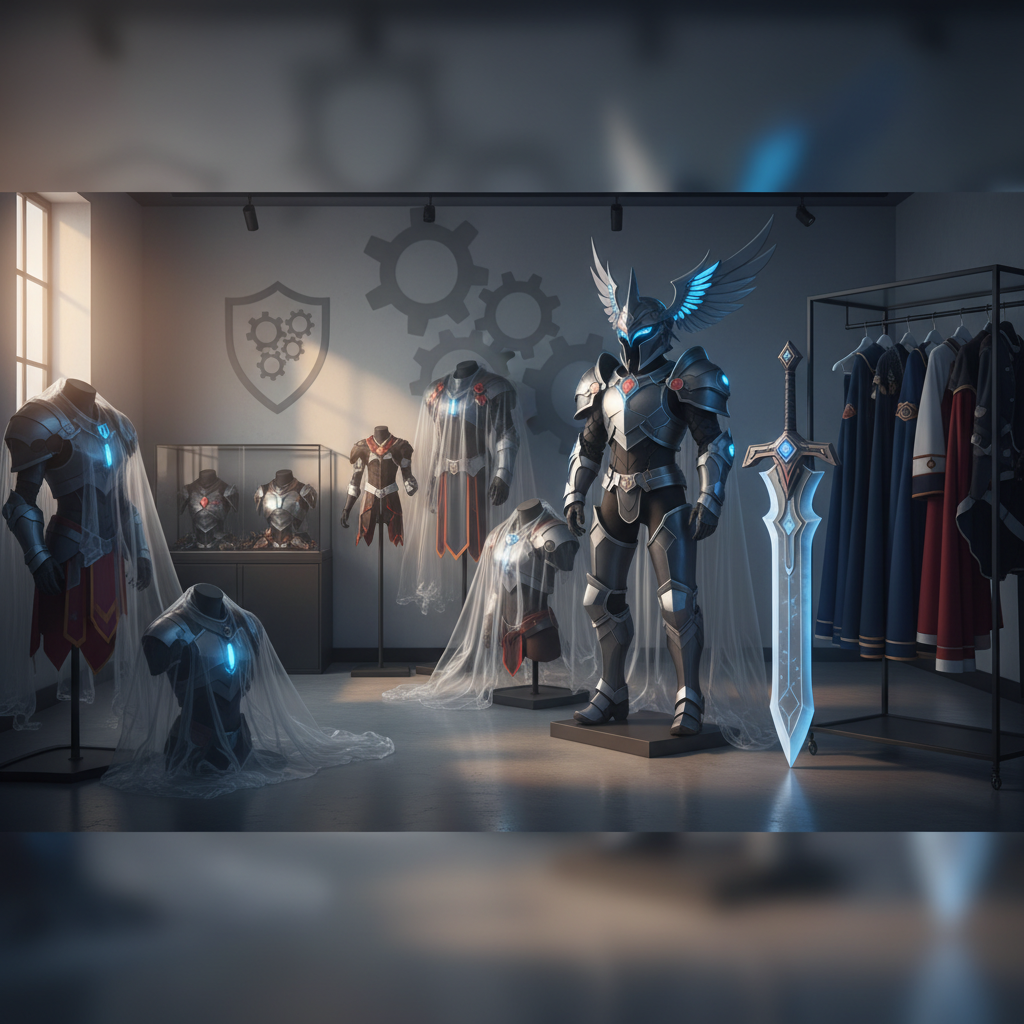
For large armor sets, mannequins are a fantastic investment. Not only do they make for a cool display, but they also ensure the suit maintains its human-shaped proportions. If you don’t have the space or budget for a full fleet of mannequins, consider using heavy-duty padded hangers for fabric elements and custom-built shelving for helmets and boots. Avoid using thin wire hangers, as they can create “shoulder bumps” in heavy garments or even tear through delicate fabrics over time. The goal is to distribute the weight of the costume as evenly as possible.
Labeling is another “pro-tip” for the organized geek. Use clear plastic bins so you can see what is inside, or use a labeling system that describes the character and the specific parts included. This prevents you from having to dig through multiple boxes and accidentally scratching a paint job or snapping a fragile detail while searching for your “Left Bracer of Power.” Organized storage isn’t just about neatness; it’s about minimizing the physical handling of your items, which is when most accidental damage occurs.
Handling Heavy Props and Weapons
Large props like swords, staffs, or oversized wings need special care. Never lean a long prop against a wall for extended periods, as the constant pressure on the tip can cause it to bend or the paint to chip. Instead, use wall-mounted racks or custom stands that support the prop at its strongest points. For wings with wire frames, try to store them flat or hung by their harness to prevent the internal structure from warping.
The Role of Acid-Free Materials
When wrapping costumes for long-term storage, always use acid-free tissue paper. Standard tissue paper or cardboard can contain acids that, over several years, can yellow white fabrics or react with certain metallic paints. Acid-free materials are a staple in museum conservation for a reason—they are chemically neutral and won’t cause your fabrics to break down over time. It is a small detail that makes a massive difference for “legacy” costumes you plan to keep for a decade or more.
Emergency Response: What to Do if Disaster Strikes
Even with the best preparation, accidents can happen. Maybe a pipe bursts, or an unexpected storm causes a leak that gets past your defenses. If you find your cosplay collection has been damaged by water, the first 24 hours are critical. Your priority should be to get the items out of the standing water and into a dry, well-ventilated area. Do not immediately throw wet costumes into a hot dryer, as the heat can set stains, shrink fabrics, and melt adhesives. Instead, use fans to circulate cool air and blot (don’t rub) wet surfaces with clean, white towels.
For foam armor that has been submerged, you need to ensure the water hasn’t seeped into the pores of the foam. Disassemble any pieces that are glued together if the bond seems compromised, as this will help the interior dry out. If a wig gets wet, wash it with synthetic wig shampoo and let it air dry on a stand. For complex electronics, such as LED kits or sound boards, remove the batteries immediately and place the components in a container with desiccant packets. Do not try to power them on until you are 100% sure they are completely dry.
Once the immediate crisis is over, assess what can be saved and what needs to be replaced. Sometimes, a water-damaged costume can be “saved” by turning the damage into part of the design—a stained hem can become “battle-worn” weathering with a bit of clever painting. However, if the damage is structural or involves mold, it may be safer to salvage what you can and start fresh. Always document the damage for insurance purposes if you have a specialized policy for your collectibles.
Conclusion: Building a Fortress for Your Creativity
Your cosplay collection is a physical timeline of your growth as an artist and a fan. Protecting it requires more than just a good storage bin; it requires a commitment to maintaining the home that houses it. By managing humidity, blocking out harmful UV rays, and organizing your gear with care, you can ensure that your epic creations stay in gallery-quality condition. Most importantly, don’t overlook the “armor” of your home itself. A small investment in home maintenance today can save you from the heartbreak of a ruined collection tomorrow.
If you want to make sure your roof is ready to stand up to whatever the weather throws at it, don’t wait for a leak to appear. Reach out to the professionals who understand the importance of a secure home. Whether you need a quick inspection or a major repair, keeping your roof in top shape is the best way to be a true guardian of your gear. Visit the experts today and give your cosplay collection the protection it deserves.